How to Build an Express/GraphQL Server - Part 3?
By Hemanta Sundaray on 2021-06-06
This blog post is part of a series. You must finish part-1 & part-2 before continuing here.
We can now access the GraphiQL IDE at the /graphql endpoint. This is how the GraphiQL IDE looks like:
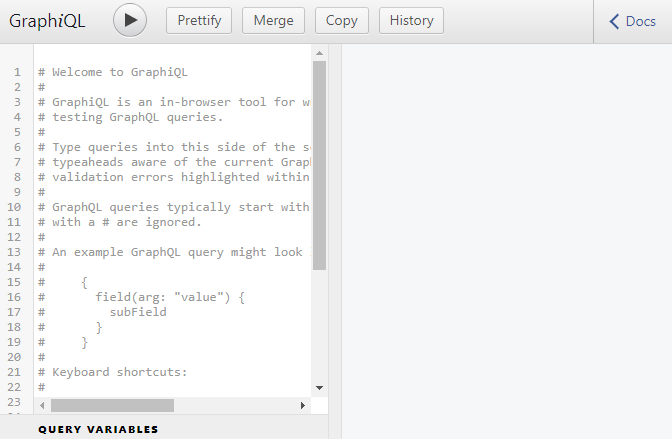
GraphiQL is a browser-based editor to explore and test GraphQL requests.
If you click on Docs at the top right corner, we get access to the Documentation Explorer, which will automatically get populated as we add different types of data to our application.
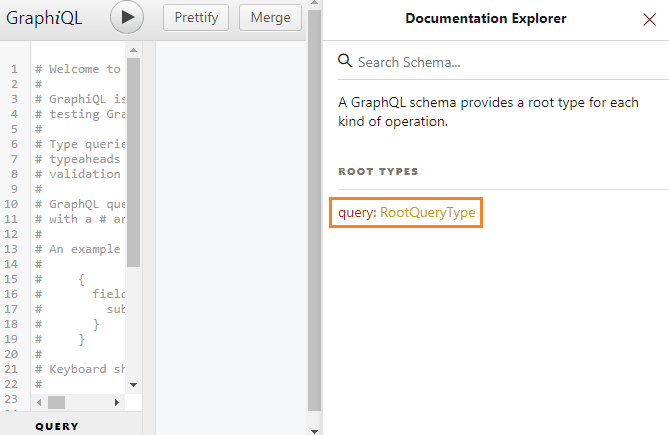
We have a RootQueryType. Click on RootQueryType and you should see something like below:
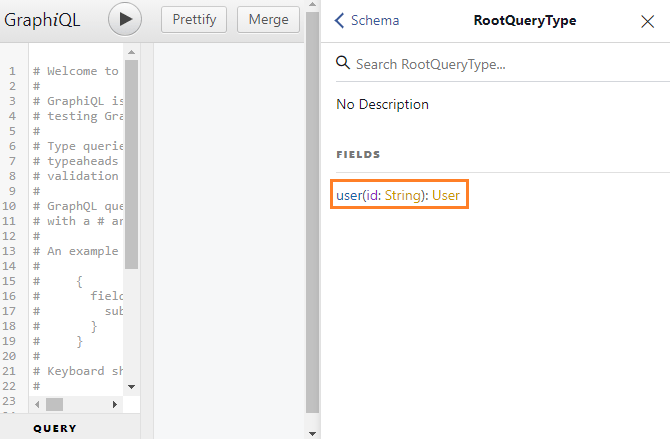
This means that we can fetch a user if we provide an id of type String.
Now if you click on User, you should see a response that will have three properties: id, firstName & age.
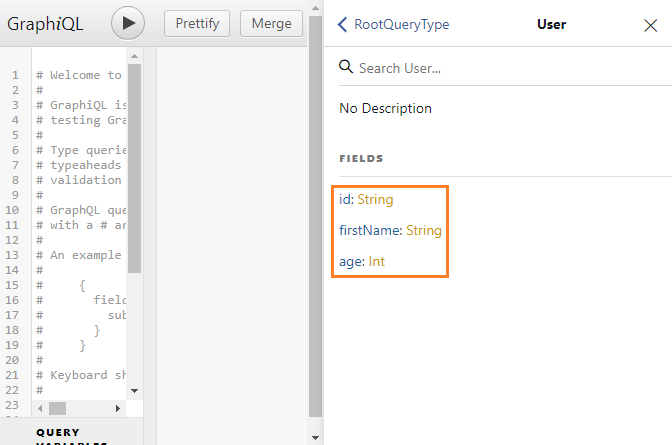
As you can see, you can get a lot of information just looking inside the Documentation Explorer without checking your schema.
GraphQL query
Let's write our first GraphQL query.
A query describes the data you want to fetch. Note that the query looks like the shape of the JSON you want, but is NOT REALLY JSON.
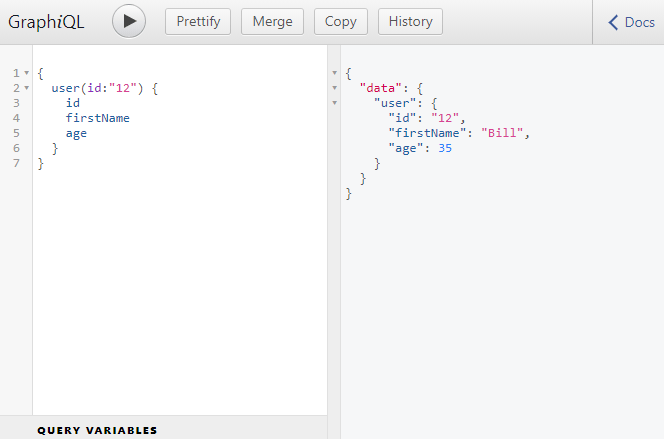
Here, we asked GraphQL to find the user with an id of 12. And if the user was found, we asked for the id, firstName and the age of the user. The response that we got back from the server looks nearly identical to the query we made. It's imporatnt to note that the response is available as the value of the data field.
So, how does the query get resolved?
The query that we wrote gets sent to the RootQuery. The RootQuery then takes the query and enters into our graph of data. Because we have specified user as the field of the query, the RootQuery went and found the user key inside its fields object.
We have specified in the args key that a query must come with an id of type String. In our query, we have provide the id argument of type String. Then GraphQL goes and finds the user based on the logic we have written inside the resolve() function. The resolve() function returns an object. GraphQL selects the id, firstName and age properties from the object and returns them as response.
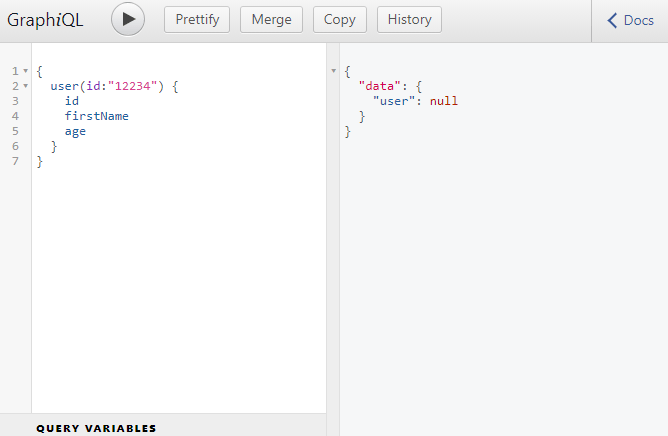
If we try to query for a user that does not exist, we don't get an error. We get the value of the user as null.
Go to part-4