How to Style Links in CSS?
By Hemanta Sundaray on 2021-06-22
A link can exist in any one of the following five states.
Link
- A link that has a destination.
- Styled using the
:linkpseudo class.
Visited
- A link that has already been visited
- Styled using the
:visitedpseudo class
Hover
- A link when it is being hovered over by a user’s mouse pointer
- Styled using the
:hoverpseudo class.
Focus
- A link that has been focused (for example, moved to by a user’s mouse pointer using the
tabkey or similar). - Styled using the
:focuspseudo class
Active
- A link when it is being activated (e.g. clicked on)
- Styled using the
:activepseudo class
The following example illustrates the default behavior of links.
<p><a href="”#”">A Link</a></p>P {
margin: 1rem;
font-size: 3rem;
text-align: center;
}We have the following result:

Default link styles
By default, links, depending on their state, have the following default styles.
Unvisited link
Unvisited links are blue and underlined, as you can see above. Also, hovering over a link changes the mouse pointer to a little hand icon.
Visited links
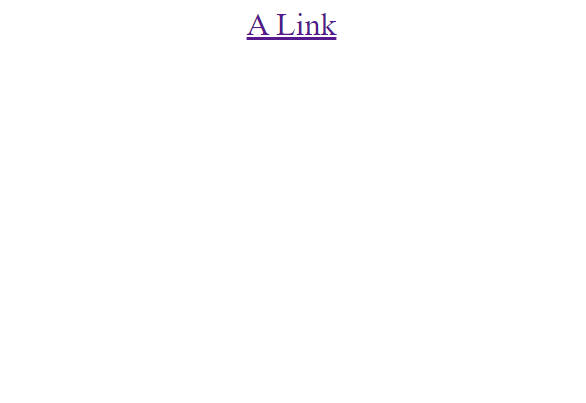
Now, click on the link, you will see that the color has changed to purple.
Active links
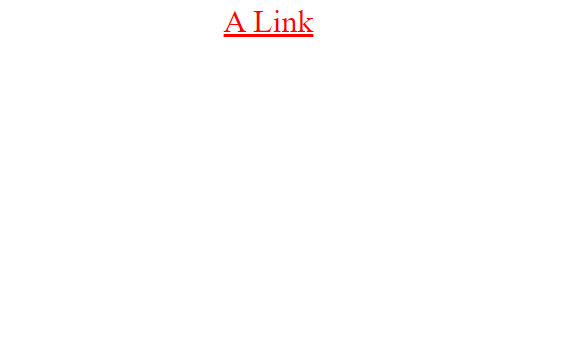
Now click and hold, the link color turns red. Active links are red by default.
Focused links
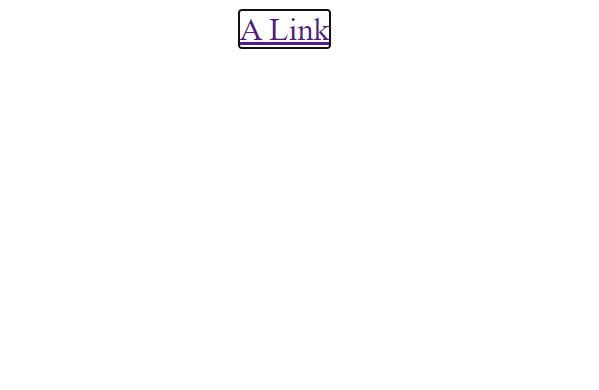
Next, keep pressing the tab key until the link is in focus. You will see an outline around the link.
Styling links
Links are styled using the following order:
a {
}

a:link {
}

a:visited {
}

a:focus {
}

a:hover {
}

a:active {
}
The order in which you style the links is important because the styles in the first rule will apply to all the subsequent ones.