The InputBox Function in Excel VBA
By Hemanta Sundaray on 2021-09-13
The InputBox function displays a prompt in a dialog box, waits for the user to input text or click a button and returns a String containing the contents of the text box.
Syntax
A simplified version of the InputBox function’s syntax is as follows:
InputBox(prompt, [title], [default])-
prompt: The text displayed in the message box. -
title: The text displayed in the input box’s title bar (optional). -
default: The default value for the user’s input (optional).
The following procedure asks for the month name from the user and then prints the name to the immediate window.
Sub InputBoxDemo()

    Dim month As String

    month = InputBox("Enter the month name:")

    Debug.Print month

End Sub
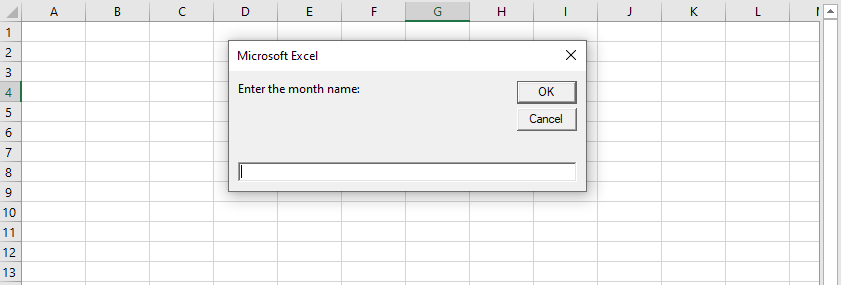
When the user enters a name, the procedure assigns the month name to the month variable. Note that we have only provided the first argument (prompt) to the function.
The InputBox always displays a Cancel button. If the user clicks on Cancel, the InputBox function returns an empty string.