Range.Resize Property in Excel VBA
By Hemanta Sundaray on 2021-09-07
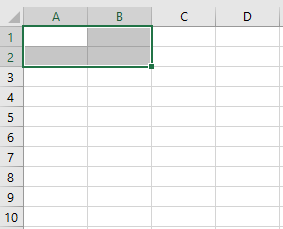
We can resize a specified range using the Range.Resize property, which accepts two optional parameters: RowSize(no. of rows in the new range) & ColumnSize(no. of new columns in the new range).
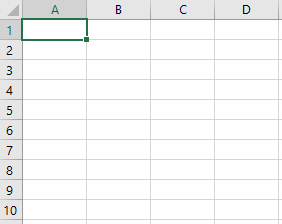
Sub Resize()

Range("A1").Resize(1, 1).Select

End Sub
Sub Resize()

Range("A1").Resize(2, 2).Select

End Sub